
Gallery screenshot, saved 2026-10-24
How it’s built
- Layout
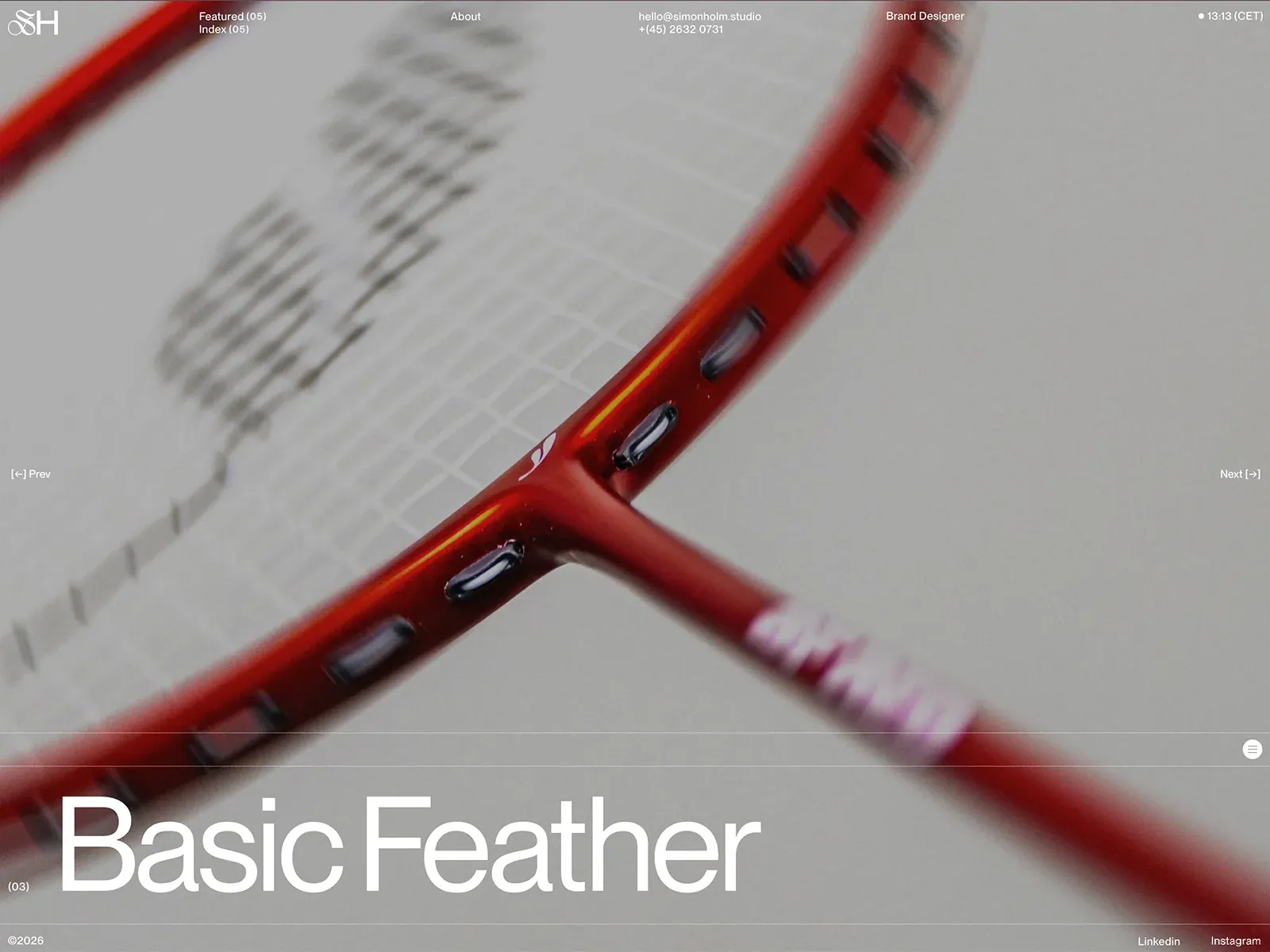
- A close cropped red racket photograph fills the page. Small white identity and widely spaced utility links run across the top, previous/next labels sit on opposing side edges, and a very large white project title occupies the lower left beneath thin horizontal rules. Small footer details hug the bottom.
- Type
- Large light-weight mixed-case sans project title, small white sans navigation and metadata, decorative initial mark. Exact font and metrics unknown.
- Color and surface
- Muted gray photographic field with a diagonal red object; white text and faint hairlines.
- Components
- Full-frame close-up, distributed utility header, lateral previous/next cues, ruled lower title and footer.
What makes it work
- Full-field close-up with strong diagonal object
- Small white distributed edge utilities
- Large light sans lower title
- Fine horizontal rules above and below lower title
On a new subjectFor an agricultural seed library, use an original close-up of a diagonal seed pod across the full field, small white edge labels and a large light sans collection title in the ruled lower band.
Live behavior
- Today
- The normal desktop opening shows a full-viewport red-and-black project image behind white interface text. A compact header distributes a monogram, Featured/Index, About, contact, role and time across the top; Prev and Next flank the image. A large Astralis title sits near the bottom within ruled bands, followed by copyright and social links. The captured visual does not establish whether the image is a still or moving media.
- Responsive
- The same Astralis image and project title appear at 1440×1000, 768×1024 and 390×844. At mobile the image is tightly cropped, the title is smaller, Prev and Next appear in a lower horizontal band, and the top shows a reduced set of header items. Tablet retains a wider multi-item header. These are sampled widths rather than exact breakpoints.
- Scroll
- The desktop-scroll state measures actual scrollY 0 with a 1440×1000 document matching the viewport; the screenshot remains on Astralis. This does not establish whether wheel input controls a project carousel or reveal another section.


