
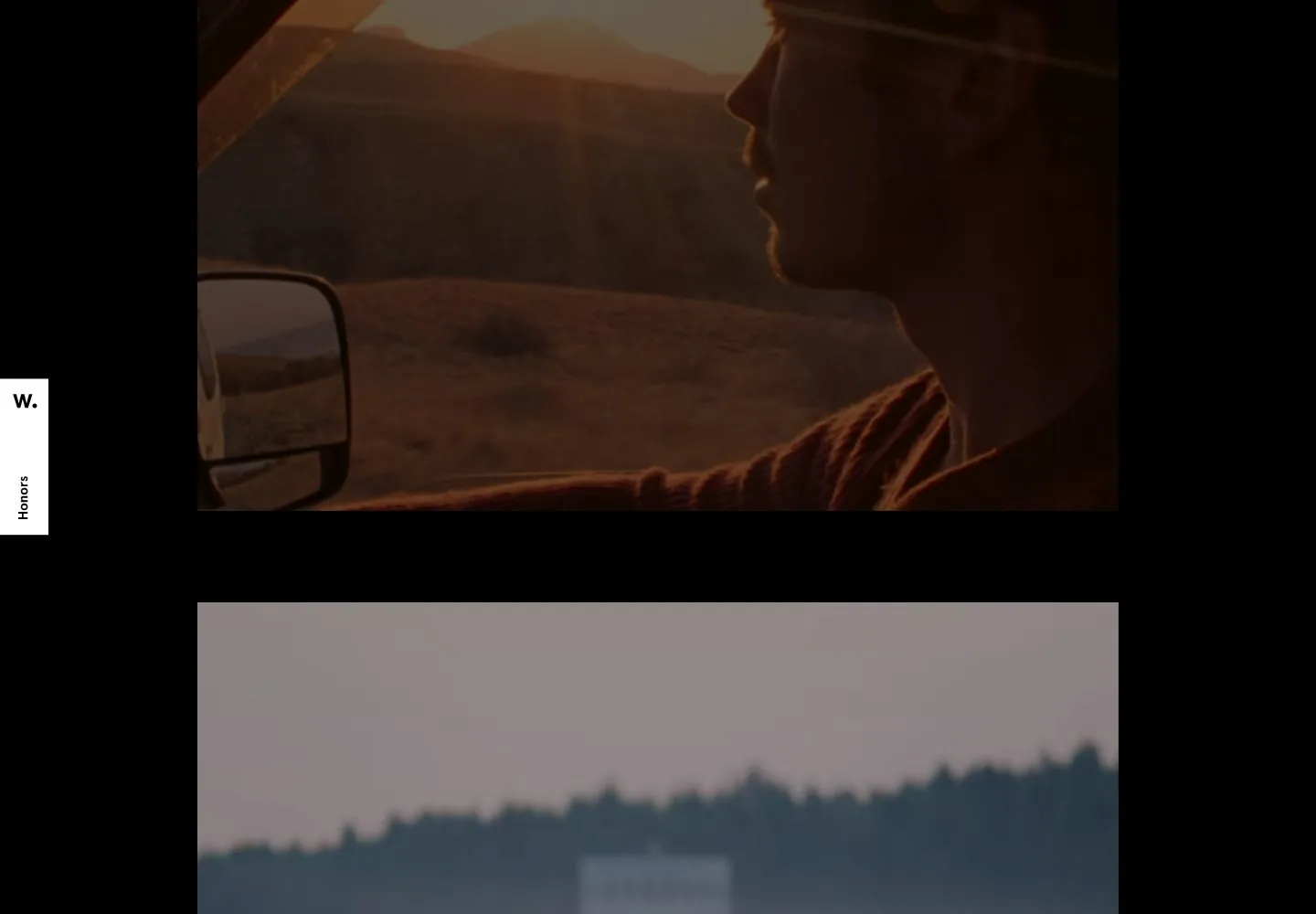
Live capture at 1440px, 2026-10-24
How it’s built
- Layout
- Warm full-field cinematic image with tiny distributed header, centered project number and thumbnail, right play cue and lower-left descriptive text.
- Type
- Small light sans labels and blue serif-like project number.
- Color and surface
- Warm orange and dark brown image with pale blue-gray text.
- Components
- Header links, project counter, thumbnail, play cue and description.
What makes it work
- Full-field cinematic image with distributed small project metadata and a play cue.
On a new subjectFor a documentary archive, distribute small project details over a full-field landscape image.
Live behavior
- Today
- Desktop captured states present full-viewport cinematic imagery with compact identity and navigation at the top, overlaid project information at lower left, a centered numeric index and small framed preview, and a playback control at right. The gallery reference shows the same general overlay system over different imagery; the selected live reference shows separate inset images against black and may be another phase.
- Responsive
- Tablet and phone retain the full-screen imagery, compact identity, index, framed preview and project copy, while desktop text navigation is replaced by a menu icon. The phone copy wraps into a narrow column and overlaps busy imagery, reducing legibility in the normal capture. Exact breakpoint thresholds are unknown.
- Scroll
- The scroll-labeled desktop state reports scrollY 0 and viewport-height document, so it does not establish successful page scrolling. A change in the background scene alone cannot establish a scroll response.


