
Gallery screenshot, saved 2026-10-24
How it’s built
- Layout
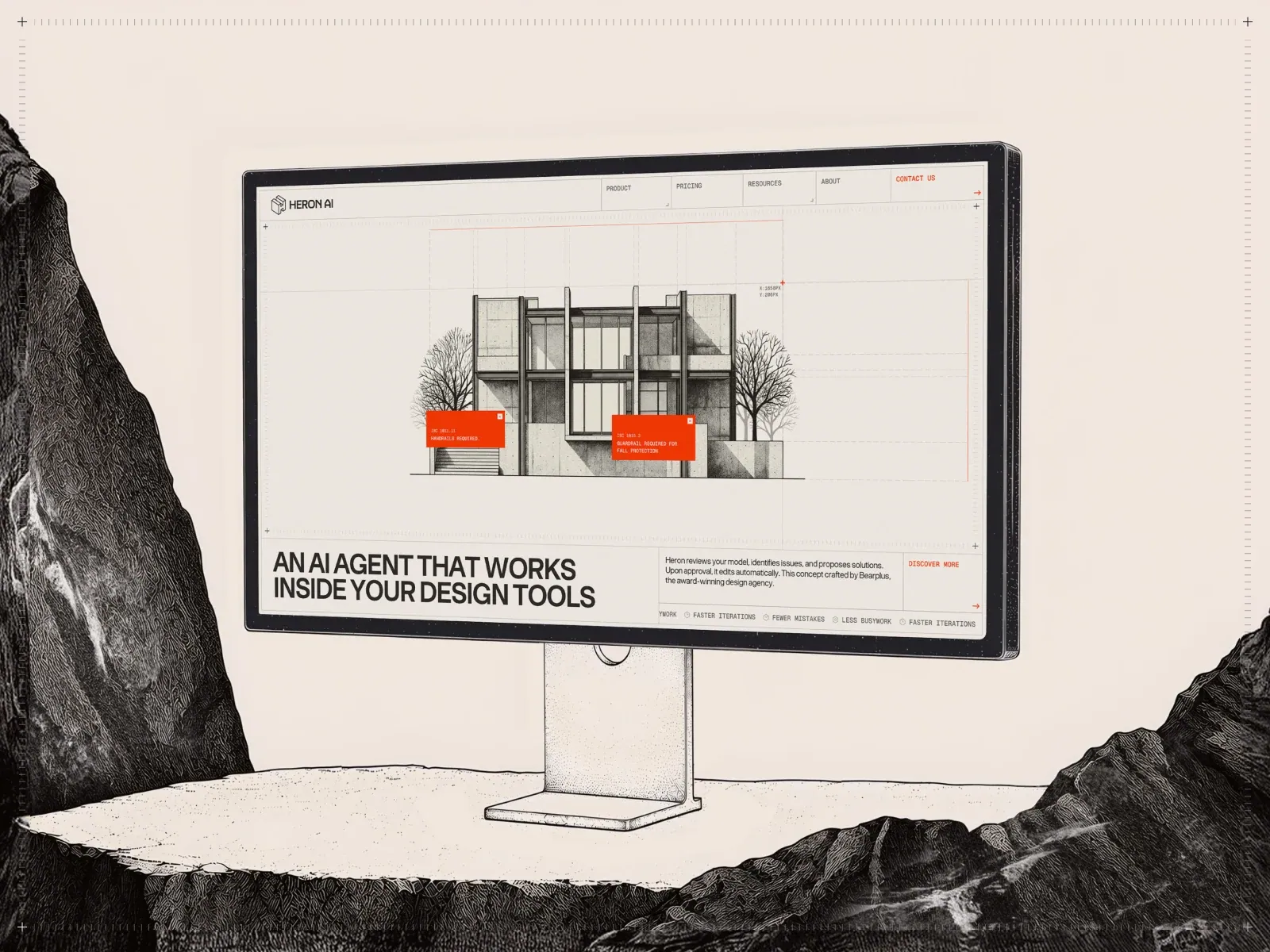
- Inside a pictured monitor, a pale technical page centers an architectural elevation over fine grid lines with two orange annotations. A lower ruled band contains bold black uppercase statement and small descriptions.
- Type
- Bold condensed black uppercase lower statement, tiny technical and monospaced-looking annotations.
- Color and surface
- Warm pale field, black line drawing and vivid orange annotation boxes.
- Components
- A precise architectural elevation and orange annotations occupy a pale ruled field above a lower information band.
What makes it work
- Pale ruled technical field
- Central architectural line drawing
- Orange annotation boxes
- Lower bold uppercase information band
On a new subjectFor a public engineering museum, show a central technical drawing of a bridge with orange annotation boxes on a pale ruled field, above a bold uppercase information band.
Live behavior
- Today
- The Heron AI capture uses a warm off-white, lightly textured field with fine gray framing lines and small orange marks around a centered architectural drawing. In desktop t2 and hover-labeled views, a segmented header contains the HERON AI mark, Product, Pricing, Resources, About and Contact Us; a large two-line headline and compact explanatory copy occupy a divided lower band, with a cookie panel at the bottom. Desktop t0 instead shows only the architectural scene and a right-edge “Site of the Day” tab. Tablet and phone screenshots show sparse blueprint drawings, a percentage line and project metadata. The selected gallery reference places this same interface inside a monitor illustration, with added orange callouts and a rocky surrounding scene.
- Responsive
- The captured widths are 1440×1000, 768×1024 and 390×844, with each document matching its viewport and scrollY=0. The desktop t2 H1 sample is 46.67px/700, while the phone H1 is 31.76px/600; the measured body stack is “BT Grotesk”, Arial, sans-serif and uses a transparent computed background over the visible textured field. Tablet and phone captures expose different progress percentages and metadata than the desktop hero. These samples do not establish breakpoint thresholds or a complete responsive sequence.
- Scroll
- The desktop-scroll-labeled state records scrollY=0 in a 1440×1000 document. It shows the same framed architectural scene and lower introductory band rather than a recorded lower-page position.


