
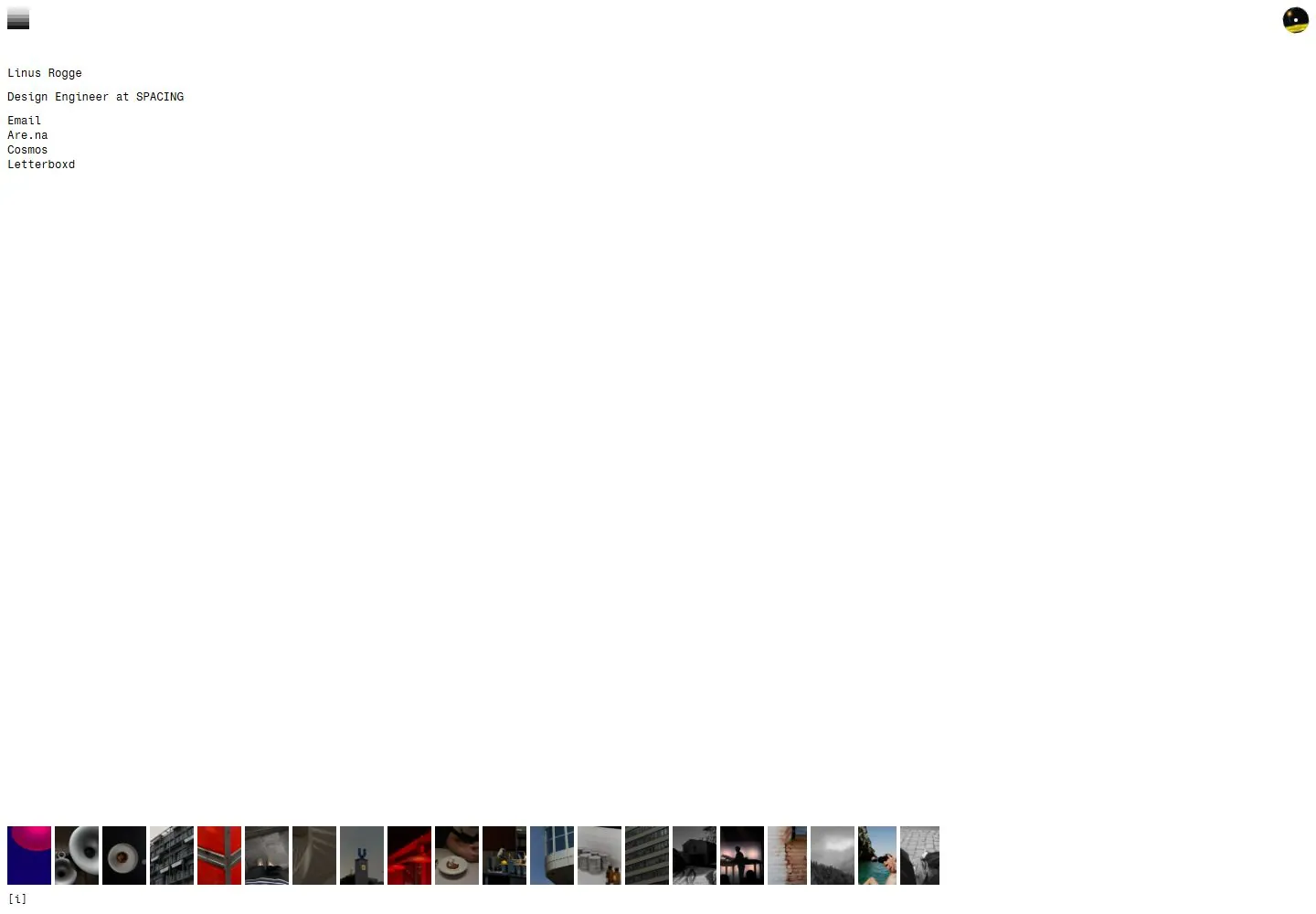
Live capture at 1440px, 2026-10-24
How it’s built
- Layout
- A full-frame work scene fills the page with small project information in the left corners.
- Type
- Small dark sans labels with modest weight variation.
- Color and surface
- Neutral gray scene and dark text; blue appears inside the depicted screen.
- Components
- Project name, description, date and studio credit over a large scene.
What makes it work
- Full-frame project scene with restrained left-corner metadata.
On a new subjectFor a craft workshop, use a full-frame workbench scene with small corner credits.
Measured
Fonts loadedFragment M
H112px / 400
Body text12px
Page backgroundtransparent
Text color#000000
Page height1,000px
Computed CSS at 1440px, 2026-10-24.
Live behavior
- Today
- Linus Rogge uses a near-empty white viewport, tiny black monospaced identity/role/plain link stack near the upper left, a small striped square at the top left and a small rotating-looking circular image at the top right. A tightly spaced filmstrip of varied photographs sits near the bottom with a tiny information cue below. No large editorial heading, card chrome or prominent button hierarchy appears in these states. White is visually observed; transparent body CSS alone does not measure the painted background.
- Responsive
- The tiny typography and8px text inset remain consistent at1440,768 and390px. The photo strip relocates vertically with viewport height and stays one horizontal row; at390px later thumbnails extend beyond the right viewport rather than forming a grid. The top-right image stays near the corner. Horizontal scrolling or access to offscreen photos was not activated, so clipping cannot establish a usable carousel.
- Scroll
- The desktop-scroll attempt leaves actual scroll_y0 in a1000px-high document, matching viewport height. The composition stays in place; this is no vertical movement observed, not evidence of a scroll animation or a failed page. Horizontal photo interaction and information cue opening were not tested.


